Emulators get accounts flagged
Many apps can tell when a phone is fake.
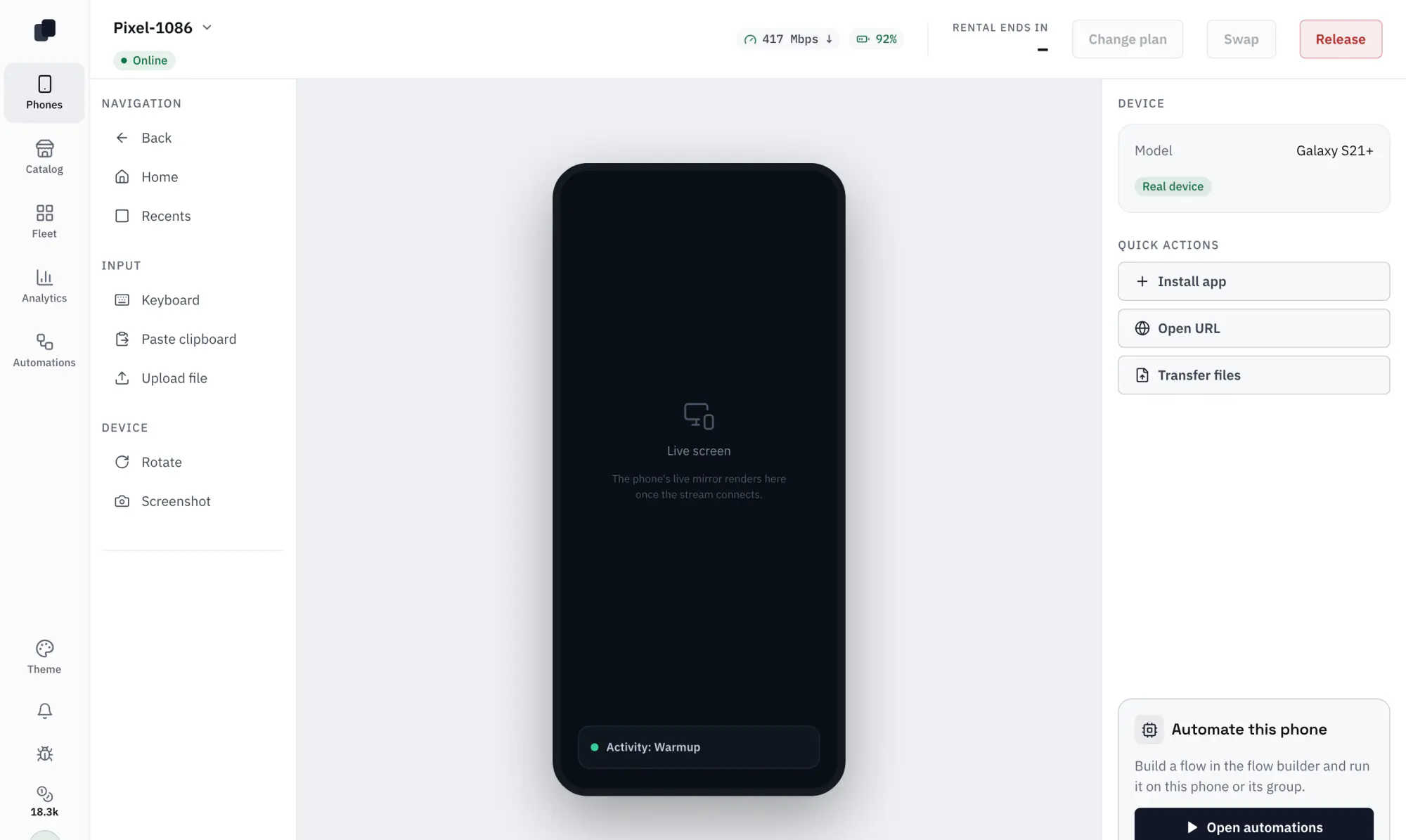
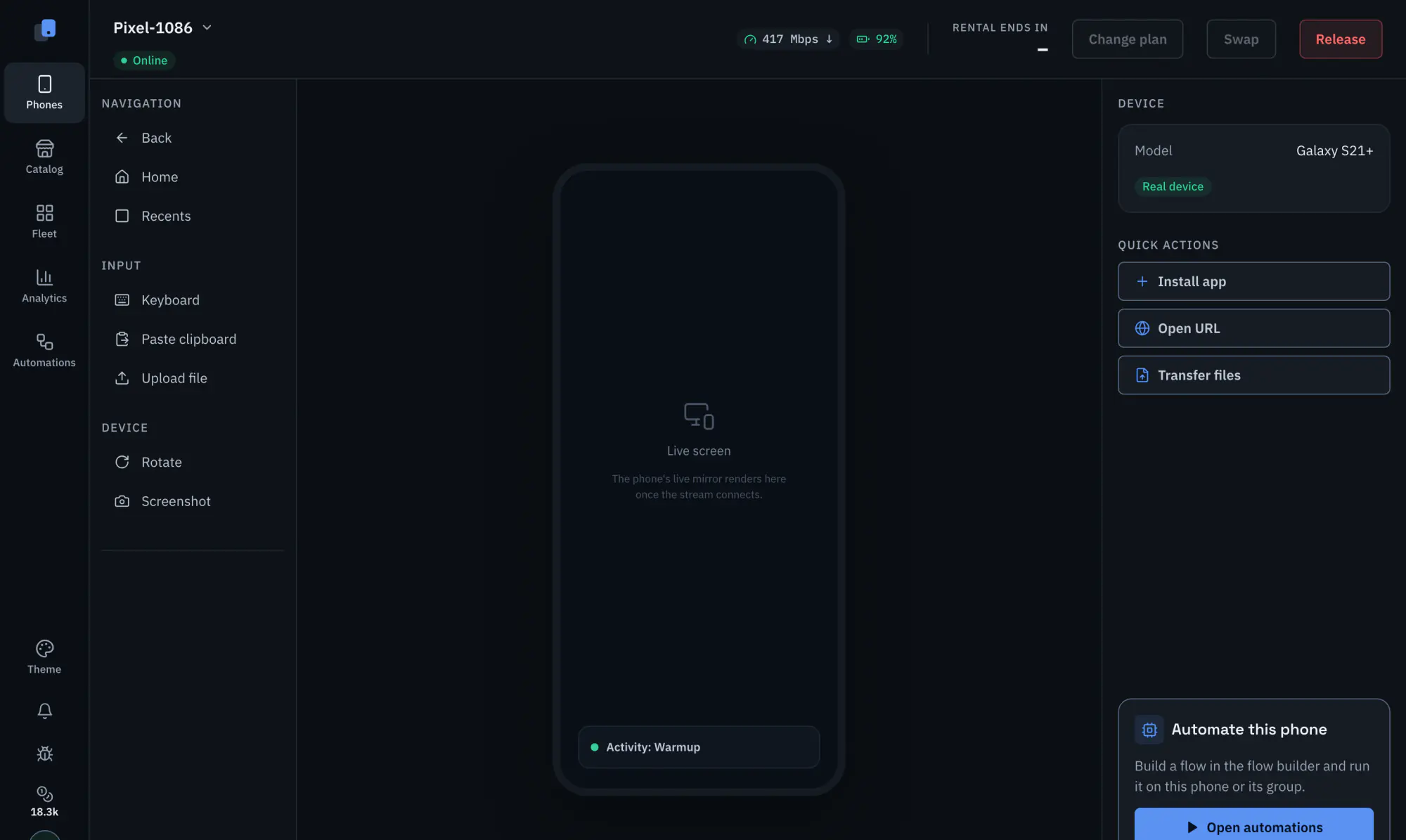
Tetherfleet rents real Android phones in the USA. Each one is a physical phone on its own 5G SIM that you control from your browser and automate on a schedule.
Unlimited data on every SIM.
Many apps can tell when a phone is fake.
Warming, scrolling and posting by hand, every single day.
Buying, charging and passing phones around eats your day.
Built from the real app. The numbers in these screens are sample data.
Tap, type and install apps, right in your browser.
Build it once, then run it on every phone.
Every TikTok account and its numbers in one table.
Choose one that is free now.
Start free or choose a monthly plan. Credits pay for phones, automation and AI.
Sign in to your accounts and go.
Run automations on one phone or all.
Set up warming or scrolling once. It runs on a schedule.
Test runs can skip likes, follows, messages and posts.
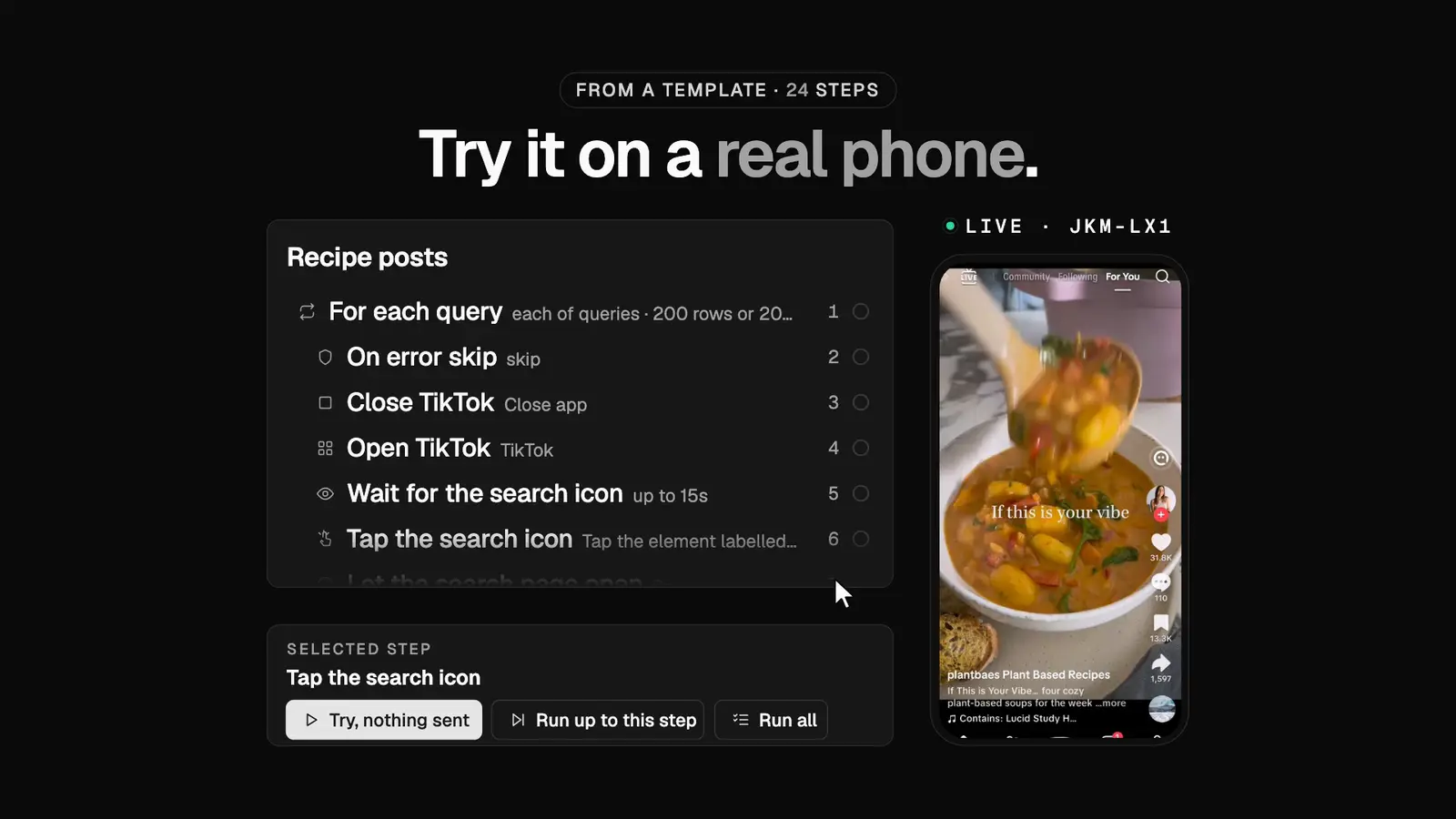
Warming accountsScrolling feedsGetting posts readySearching and watchingReading the screenSaving what it finds
Chat with Claude or another AI assistant to run your phones, build automations and schedule them.
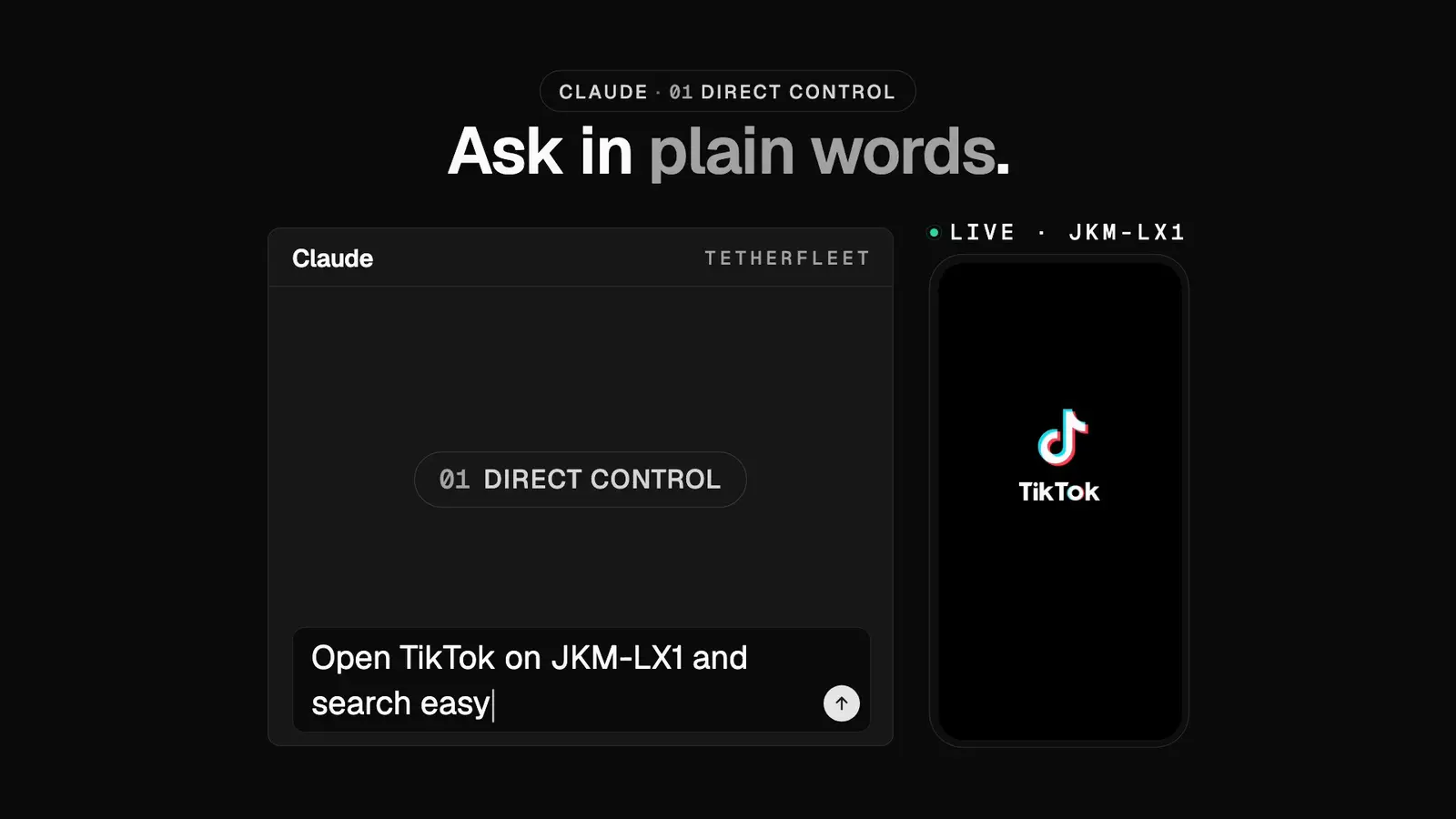
It taps, scrolls and types, then sends you a screenshot.
tapswipetype_textscreenshotSave what you did together as an automation.
record_flowsave_flowDescribe the routine. It builds it for you.
create_flow_from_templateupdate_flowEvery morning or every few hours. It reports back.
schedule_automationlaunch_automationget_run_logYour key decides what the assistant may do. Renting, ending a rental and preparing a post wait for your approval.
The MCP server is at https://api.tetherfleet.com/mcp, over HTTP with OAuth sign in or a scoped API key. There is a stdio server and a REST API too. Every call is checked against team roles and logged. How to connect an assistant
Accounts on your phones are found and tracked for you.
TikTok only for now.
Invite people and give each a role.
A bar shows whenever support is on your phone. Every session is logged.
Loading the phones free right now.
Tetherfleet next to emulators and your own phones.
Real phones look real to the app.
The app sees real hardware.
Each phone has its own connection.
Anyone on the team can use any phone.
Daily taps run by themselves.
See growth without opening each app.
No phones to buy, charge or store.
Credits pay for phones, automation and AI steps, and Insights are included free. Plans differ only in how many credits you get each month.
Rent 1 phone for an hour and try an automation and a few AI steps
About 1 phone for a month with an hour of automation and 100 AI steps a day
About 10 phones for a month with an hour of automation and 50 AI steps a day each
One price list for every plan.
Fits in Starter's 20,000 credits a month.
From 1,000 credits ($10.00 on Free and Starter, $8.34 on Growth). Top up credits never expire, are used after plan credits, and unused top up credits can be refunded.
Short answers about phones, rentals and pricing.
Yes. Every phone is a real Android phone hosted in the USA, on its own 5G SIM with unlimited data. No emulators.
No. A cloud phone is Android running on a server. Tetherfleet rents physical Android phones, each with its own SIM on a US mobile network.
Pick a monthly plan and pay by card through Stripe. Free costs nothing. Credits pay for phones, automation and AI steps. When you run out, top up more credits with a card.
Credits are how Tetherfleet counts what you use. 100 credits = $1 at the Starter rate, so 1 credit is 1 cent.
Renting a phone costs 30 credits an hour, 600 a day, 4,000 a week or 15,000 every 30 days. Automation is 0.2 credits per minute (12 an hour) per phone and an AI step is 1 credit. Insights, live control, MCP control, data tables and templates are free.
Plan credits reset every month when your plan renews and do not roll over. Top up credits never expire, are used after plan credits, and unused top up credits can be refunded.
A rented phone stays until the period you paid for ends. If the next renewal cannot be paid, you have 30 minutes on hourly, 2 hours on daily, 24 hours on weekly and 48 hours on monthly to top up before the phone is released. Running automations and AI steps stop, and you see a notice with a Top up button.
Yes. An upgrade starts right away: you pay the difference for the rest of the month and get the matching share of the extra credits. A downgrade or a cancel takes effect at the end of the month you already paid for.
Pick hourly, daily, weekly or monthly (30 days). Each period is charged in credits at its start, and the phone renews until you release it. You get a notice before each renewal.
Release at the end of the period and the phone stays until the paid time ends. Release now and it is freed at once. There is no refund on release.
Yes. Swap a rented phone for another free one from the catalog. The same price is free. A dearer phone costs the difference for the rest of the period, and a cheaper one renews at the lower price. You can swap once a day. A swap after a problem on our side is free and does not count.
Ask from the phone page and give a reason. Our team reviews it, and an approved refund comes back as top up credits that never expire.
Yes. Invite people and give each a role.
Report it from inside the app. You always see when support is on your phone.
A real phone can't guarantee it, but it protects against bans that come from the device: the app sees real hardware and a real US mobile connection, so there is no emulator, virtual phone or data center IP to flag. An account can still get banned or shadowbanned for what it does, like spam, mass follows and likes, or reposted content.
Most apps work as on any Android phone, though some banking apps block screen sharing. Insights is TikTok only for now.